All your security work, on one platform
Cloud Fortress brings inventory, risk, vulnerabilities, compliance and response together in a platform where every piece of data is connected to the rest. It is not one more tool in your stack: it is the place you run all of them from.
The Core, always included
Every organisation starts from the same place: a common base the rest plugs into. The Core is not an extra, it is the floor the Workspace stands on.
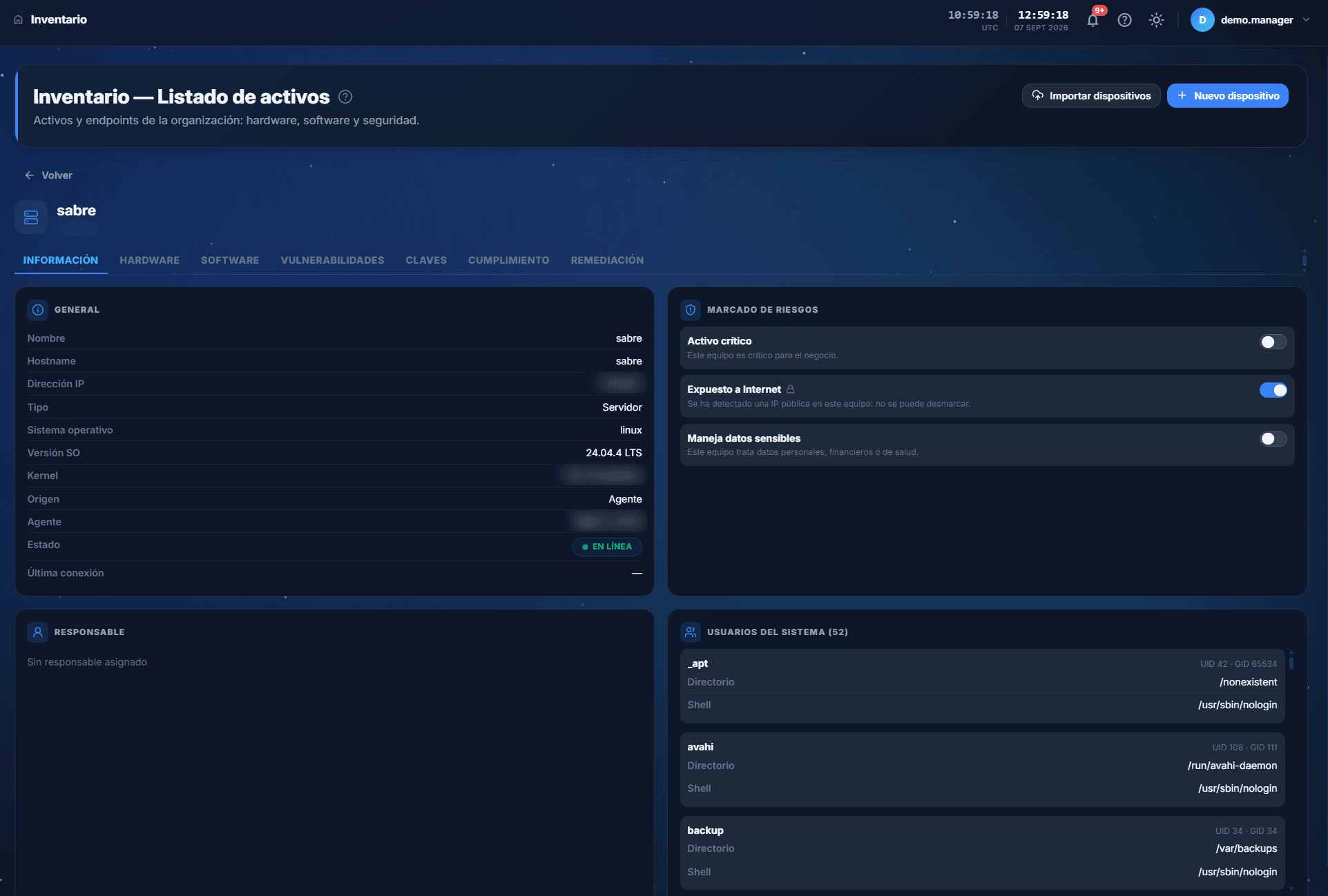
- Live inventory
Know what you have, without asking
Assets, endpoints, software (SBOM), keys and algorithms (CBOM), people, projects and licences in an inventory fed by the agents. It is the backbone: everything else hangs off it.
See the inventory - Alerts and notices
What matters, when it happens
Notifications and alerts with the context already attached, so a signal arrives with its asset and its owner rather than as a loose event.
- Portal and support
The team, inside
Employee portal, user management and administration, with an audit trail of everything that happens on the platform.
vCISO and dashboards
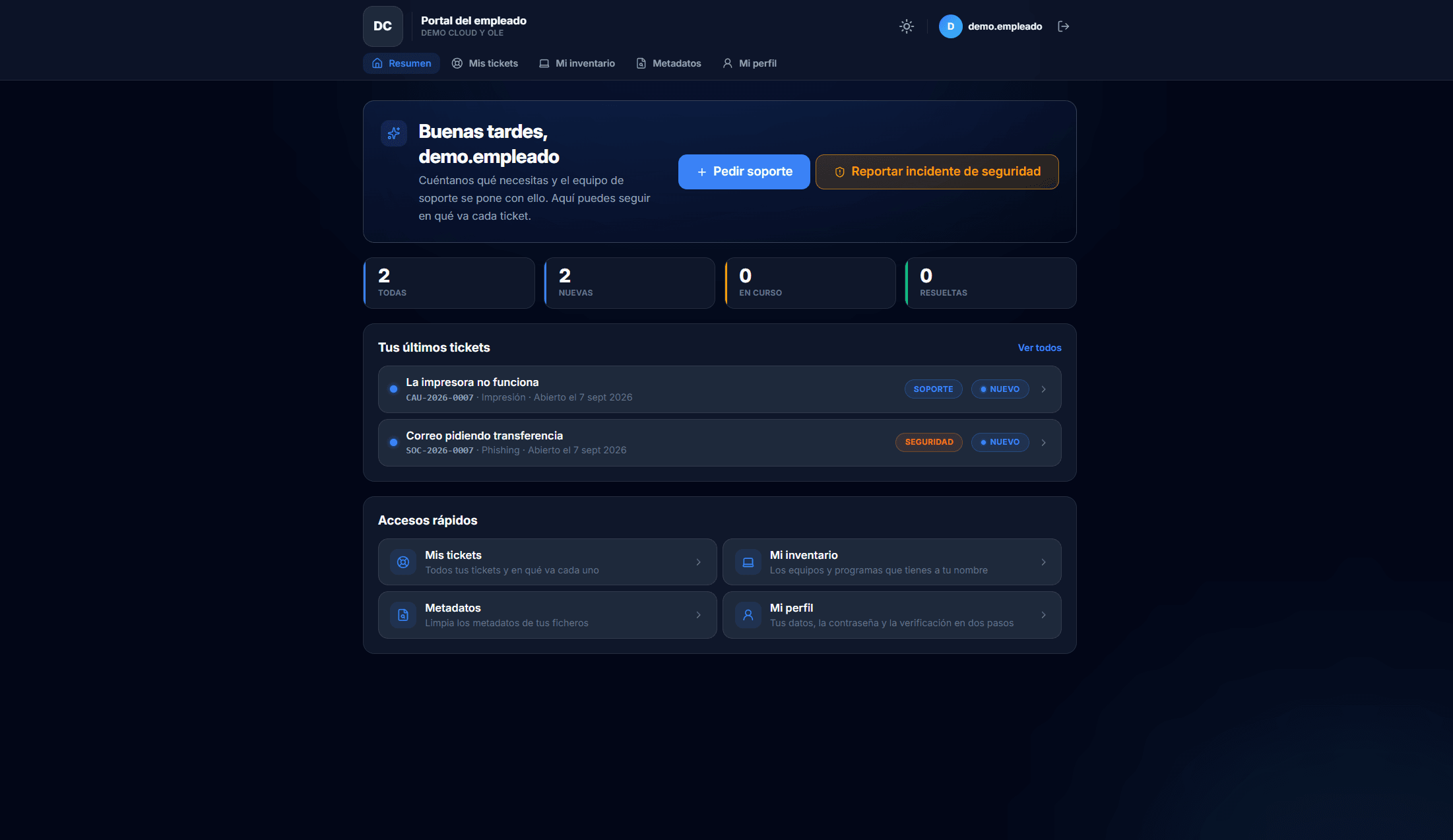
Above the day-to-day, Cloud Fortress translates operations into the language of leadership. The vCISO module helps put strategic order into risks, priorities and roadmap without needing a full-time CISO. The dashboards turn all that work into a picture a board understands without a technical translation.
Switch on only what you need
On top of the Core, three capability packs. You do not pay for what you do not use: start where it hurts most and add later.
- Pack 1
Digital risk and brand
Brand protection (impersonation, defacement), dark web monitoring (leaks, credentials) and threat intelligence. What happens outside your perimeter.
See the pack - Pack 2
Vulnerabilities and defence
Vulnerabilities with asset context, monitoring, incident management, threat hunting, corporate account governance, backups and oversight of external AI use.
See the pack - Pack 3
Governance and compliance
Compliance manager (ENS, ISO), inventory compliance, regulatory templates, metadata and pentesting (Red Team).
See the pack
Why «Workspace» and not «another tool»
| One more tool | A Workspace |
|---|---|
| Solves one problem and leaves the context on your desk | Shares the same inventory and the same context across every pack |
| Another console, another login, another place to look | One platform; the analyst stops hopping between screens |
| Forces you into its way of working | Builds on your current stack and integrates before replacing |
Common questions about the platform
Can I start with just one pack?
Yes. The Core is included and you switch on the packs you need. That is the usual route: you start with whichever one hurts most.
How does my data get into the inventory?
With the agent deployed on the endpoints, identity synchronisation, and bulk file upload or manual entry. The specific connections to your tools are defined with you during onboarding.
Does it replace my team or help it?
It helps it. It removes the manual work of rebuilding context so the team spends its time deciding and containing.
What happens when a module's contract expires?
It does not close: it freezes. What was already yours stays yours: you go in, consult and download the full history, with a notice under the title. What gets cut off is generating new work: the buttons to create, edit and assign disappear.
How is it decided who can see and change each module?
With two independent keys that do not substitute for each other: the organisation's contract says whether the company has the module, and the role level says what that person can do inside it. There are six levels: hidden, no access, external, employee, viewer and full. Only the last one writes. Larger modules, such as Inventory, split the level by section.
Does the information update on its own?
Yes. The platform keeps an open channel to the server: a new message, a status change, an alert or a probe verdict appear without reloading the page. Large synchronisations are batched so the screen does not flicker.
Does everything really link to everything, or is that a figure of speech?
It is literal, and it shows in concrete cases: a leaked credential works out on its own which people, endpoints and groups are affected; a CVE from the feed is cross-referenced with the software inventory and says which endpoints have the vulnerable package installed; an unauthorised change on your website opens a pre-written incident in one click; and a regulatory control tells you which assets fail it.
Cloud Fortress by role
Understand the risk. Act with confidence.
30 minutes with a scenario close to yours. No canned deck, no strings attached.